Research archives
Keep dozens of exploratory threads together when one project produces a wide conversation surface.
Batch Export
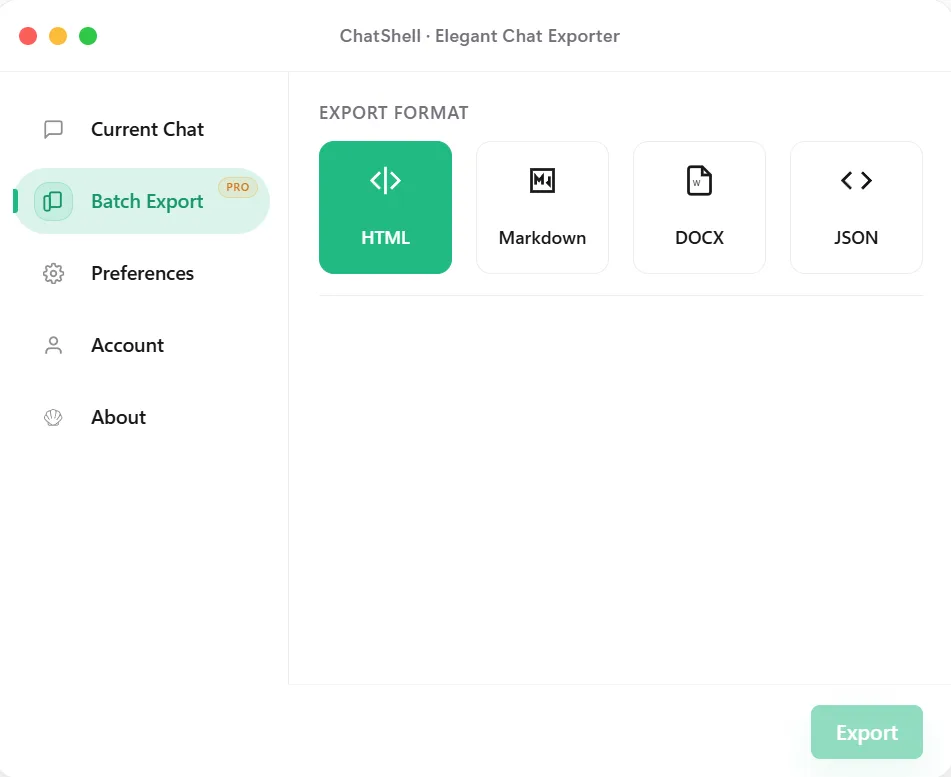
ChatShell handles batch export when one thread at a time stops being practical. It is aimed at people who need to retain a larger set of conversations for research, archives, audit trails, or long-running project work.
Why Batch Export
Best Fit
Keep dozens of exploratory threads together when one project produces a wide conversation surface.
Capture the full working history before handoff, team changes, or workspace cleanup.
Build a repeatable local backup habit instead of relying on manual copy-paste for each chat.
Export a set of conversations for later QA, compliance review, or internal knowledge curation.
FAQ
Batch workflows are designed for archive-friendly formats such as Markdown, DOCX, JSON, and related structured outputs.
Yes. ChatShell keeps the export flow in the browser instead of sending conversation content to developer servers.
It fits people who work across many threads: researchers, operators, analysts, and teams with longer-running projects.