Project handoff
Keep the reasoning and output behind shared threads before ownership moves to another teammate or team.
Team Workspace Export
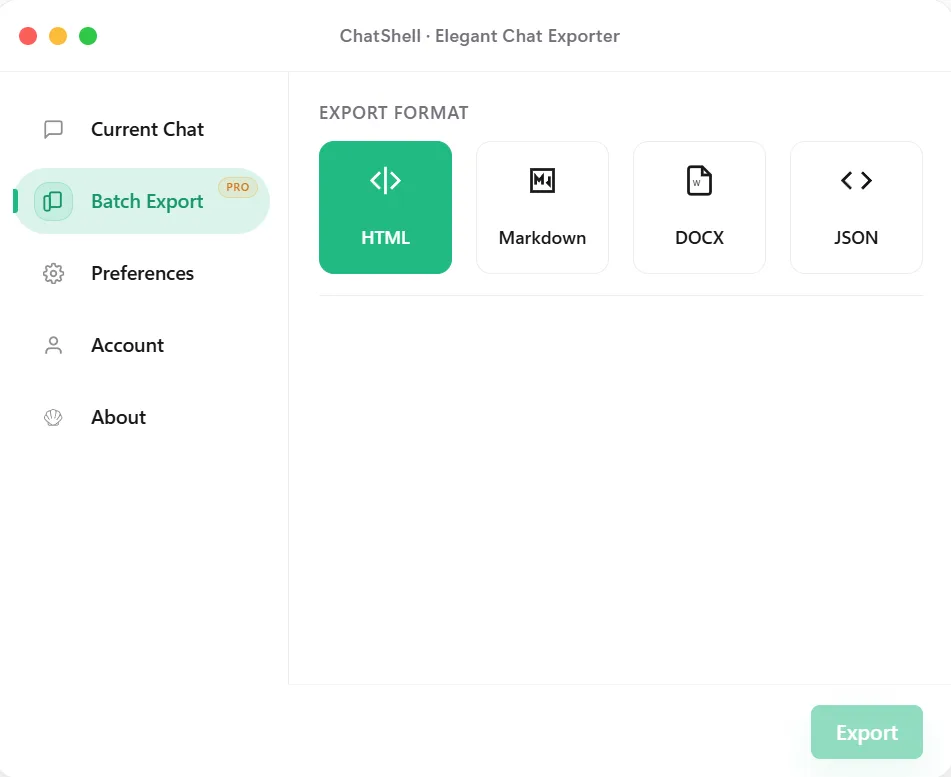
ChatShell supports exporting team workspace conversations when shared threads become part of project memory, internal review, or long-term retention. The point is not just saving a chat, but preserving work that multiple people may depend on later.
Why Workspace Export
Best Fit
Keep the reasoning and output behind shared threads before ownership moves to another teammate or team.
Capture the exact conversation used in a shared workspace when the result needs to be reviewed later.
Save reusable internal context rather than leaving it trapped in a workspace thread that is hard to revisit systematically.
Keep exports ready for audits, team changes, or documentation work where shared chat history matters.
FAQ
Because shared threads often become part of project memory, and that context is harder to recover later if it is never exported.
No. This page specifically covers the shared workspace case where multiple people may depend on the same conversation history.
Yes. ChatShell keeps the export flow local-first in the browser rather than shipping conversation content to developer servers.