Review and approval
Use DOCX when a conversation has to move through a review chain where tracked changes and comments are standard.
ChatGPT to DOCX
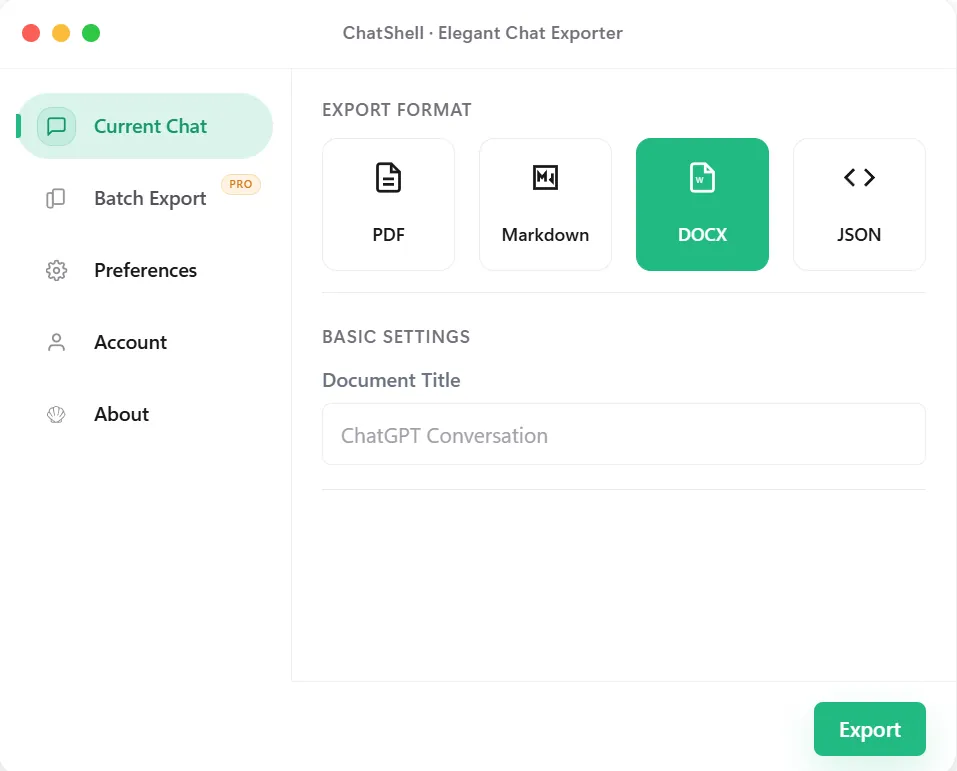
ChatShell exports ChatGPT conversations to DOCX when you need an editable document rather than a final archive. It fits review cycles, annotations, comments, and Word-based collaboration without forcing you to rebuild the conversation by hand.
Why DOCX
Best Fit
Use DOCX when a conversation has to move through a review chain where tracked changes and comments are standard.
Start with ChatGPT output, then refine it in Word before it becomes a proposal, memo, or internal report.
Share exports with teammates who work primarily in office tools rather than Markdown or developer-focused formats.
Keep headings and readable sections while still ending up in a format that can be polished further by non-technical users.
What Stays Intact
The export is meant to be opened again and refined, not just stored as a final snapshot.
DOCX fits tracked changes, comments, and office review loops more naturally than PDF or raw copied text.
Chats that become proposals, reports, or memos benefit from ending up in a familiar document format.
The conversion path is designed to stay local in the browser rather than relying on a remote conversion endpoint.
FAQ
DOCX is the better fit when the next step is collaborative editing in office software rather than developer-facing documentation.
Teams working with Word-based review, approvals, or document polish usually get the most value from DOCX export.
Yes. ChatShell keeps the export path local-first in the browser instead of sending the conversation content to developer servers.
Related Pages