Automation pipelines
Use JSON when the next step is another system, script, or workflow that needs structured input rather than a final document.
ChatGPT to JSON
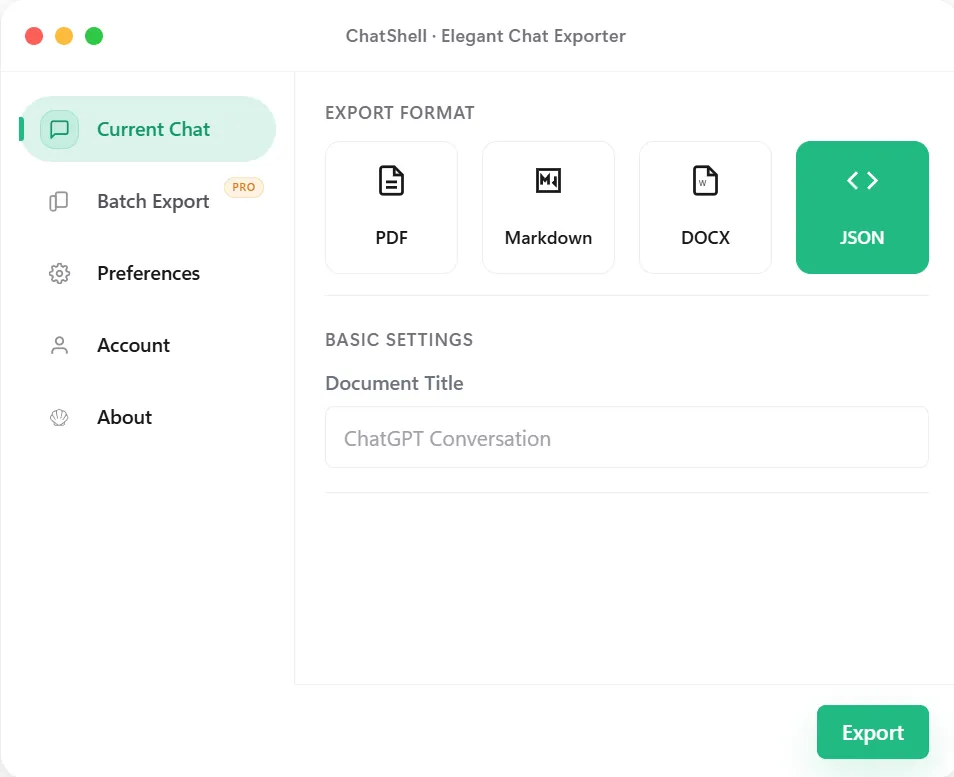
ChatShell exports ChatGPT threads to JSON when you need structured data rather than a presentation format. That makes it useful for automation, backups, migration, search indexing, and any later step that depends on machine-readable conversation data.
Why JSON
Best Fit
Use JSON when the next step is another system, script, or workflow that needs structured input rather than a final document.
Preserve the conversation in a form that can be searched, transformed, or restored later with less loss.
Move ChatGPT content into downstream tools for analysis, ETL, or custom dashboards without re-parsing raw text.
Keep exports in a format that can be validated, transformed, and versioned alongside the rest of a technical workflow.
What Stays Intact
JSON is aimed at preserving fields and machine-readable content rather than only the visible presentation.
It becomes far easier to transform, index, validate, or move the export into later pipelines.
JSON exports are a stronger base for migration or analysis work than screenshots or plain copied text.
The structured export is generated in the browser rather than being pushed to another hosted conversion tool.
FAQ
Choose JSON when the next consumer is a system, script, or workflow that needs structured data rather than a reader-facing document.
Developers, analysts, and operators working on automation, indexing, ETL, or backups typically benefit the most.
Yes. ChatShell keeps the export in the browser so the conversation content does not need to be uploaded to developer servers.
Related Pages