Docs and wikis
Take AI conversations into internal docs, public documentation, or team playbooks with a format editors already support well.
ChatGPT to Markdown
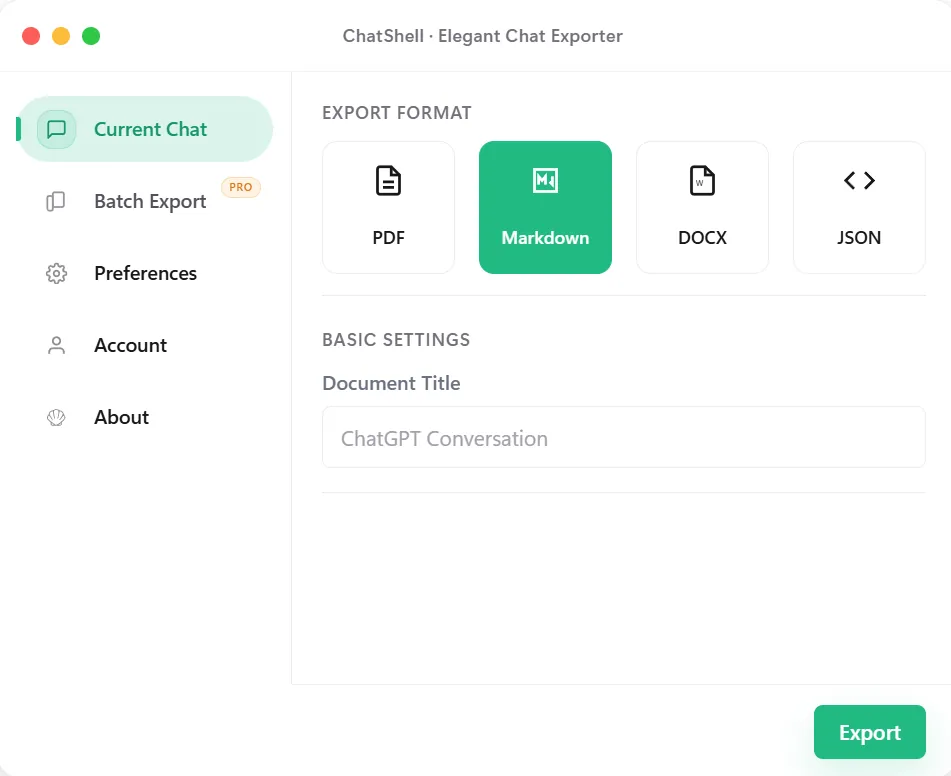
ChatShell converts ChatGPT threads into clean Markdown so the conversation can move into docs, wikis, note-taking apps, or static publishing flows. It is the most practical format when you want portable text without dragging UI noise along with it.
Why Markdown
Best Fit
Take AI conversations into internal docs, public documentation, or team playbooks with a format editors already support well.
Save prompts and answers in a repo or vault where they can be tagged, versioned, and cross-linked later.
Use Markdown exports as the first clean draft for blogs, release notes, newsletters, or technical writeups.
Feed structured text into later pipelines without starting from screenshots or manually copied fragments.
What Stays Intact
Headings, lists, and paragraphs stay easy to move into documentation and note systems.
Markdown works naturally in repos, static sites, docs tools, and knowledge bases without heavy reformatting.
Technical chats stay more useful when code can remain in fenced blocks rather than flattened into plain text.
The content is exported in the browser instead of being routed through a separate conversion service.
FAQ
Choose Markdown when the output still needs to be edited, versioned, published, or reused across docs tools.
People who work in docs, repos, note apps, or publishing pipelines usually get the cleanest downstream flow from Markdown.
Yes. ChatShell keeps the export process in the browser rather than sending the conversation to developer servers.
Related Pages