把 ChatGPT 對話,
儲存成實用的檔案。
將對話匯出為 PDF、Markdown、DOCX 和 JSON,保留程式碼、表格與數學公式。直接在瀏覽器裡完成。
- 本地處理
- 不上傳對話
- 免費匯出無需帳號
一段對話,四種用法。
同一段範例對話,切換格式查看匯出結果。
ChatGPT 轉 PDF
產生排版清晰的 PDF,保留程式碼區塊、LaTeX 數學公式,並可選擇適合複核或分享的模板。
範例內容 · 使用 ChatShell v1.0.0.24 匯出
下載範例檔案PDF 匯出指南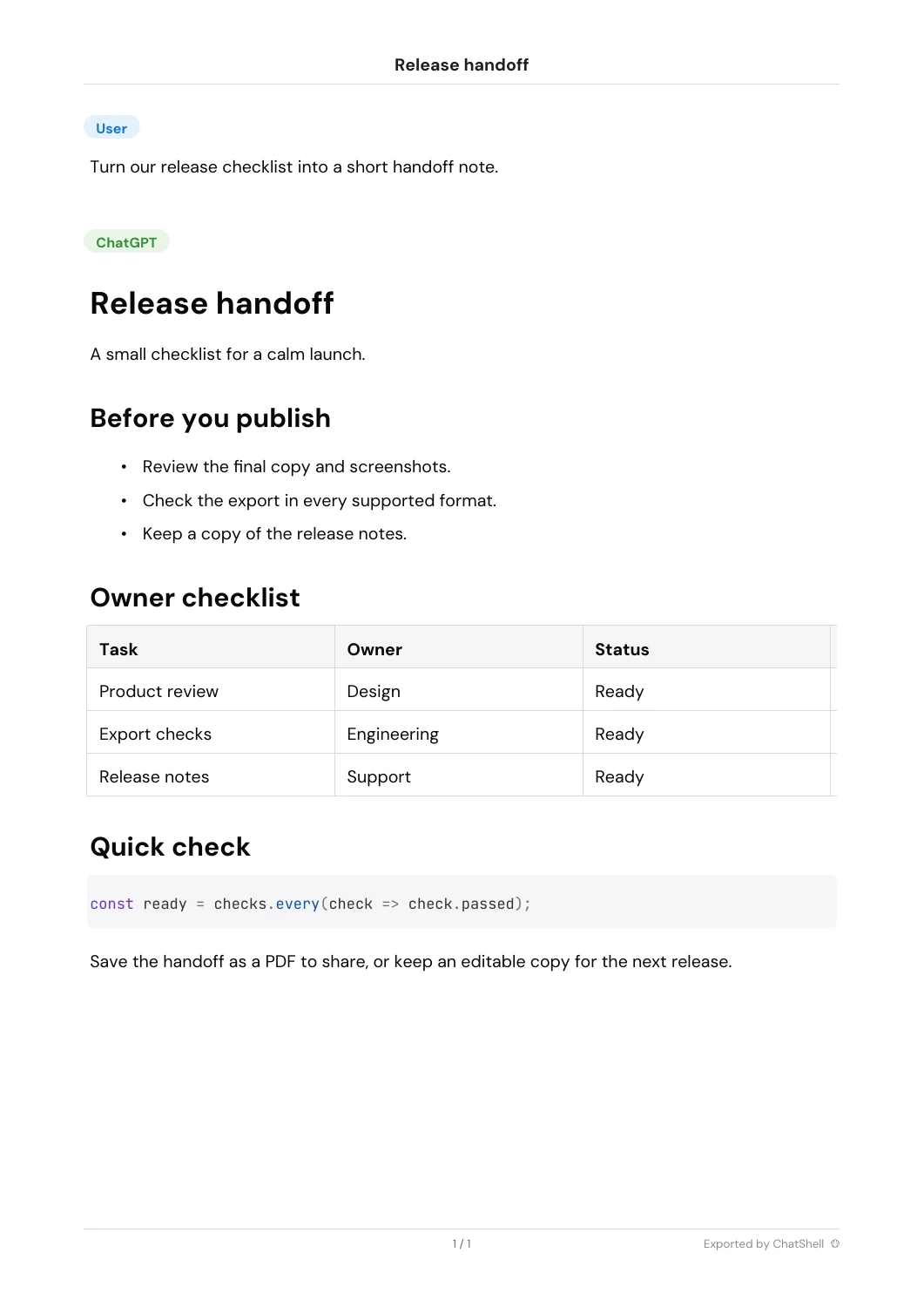
ChatGPT 轉 Markdown
保存乾淨的 Markdown,適合知識筆記、技術文件和可版本管理的資料庫。
範例內容 · 使用 ChatShell v1.0.0.24 匯出
下載範例檔案Markdown 匯出指南**🔵User**
Turn our release checklist into a short handoff note.
---
**🟢ChatGPT**
# Release handoff
A small checklist for a calm launch.
## Before you publish
* Review the final copy and screenshots.
* Check the export in every supported format.
* Keep a copy of the release notes.
## Owner checklist
| Task | Owner | Status |
| --- | --- | --- |
| Product review | Design | Ready |
| Export checks | Engineering | Ready |
| Release notes | Support | Ready |
## Quick check
```
const ready = checks.every(check => check.passed);
```
Save the handoff as a PDF to share, or keep an editable copy for the next release.
---
*Exported by ChatShell*
[User]
Turn our release checklist into a short handoff note.
[ChatGPT]
Release handoff
A small checklist for a calm launch.
Before you publish
Review the final copy and screenshots.
Check the export in every supported format.
Keep a copy of the release notes.
Owner checklist
| Task | Owner | Status |
| Product review | Design | Ready |
| Export checks | Engineering | Ready |
| Release notes | Support | Ready |
Quick check
const ready = checks.every(check => check.passed);
Save the handoff as a PDF to share, or keep an editable copy for the next release.
Exported by ChatShell
{
  "title": "Release handoff",
  "mapping": {
    "user": {
      "id": "user",
      "parent": null,
      "children": [
        "assistant"
      ],
      "message": {
        "author": {
          "role": "user"
        },
        "content": {
          "content_type": "text",
          "parts": [
            "Turn our release checklist into a short handoff note."
          ]
        }
      }
    },
    "assistant": {
      "id": "assistant",
      "parent": "user",
      "children": [],
      "message": {
        "author": {
          "role": "assistant"
        },
        "content": {
          "content_type": "text",
          "parts": [
            "# Release handoff\n\nA small checklist for a calm launch.\n\n## Before you publish\n\n*   Review the final copy and screenshots.\n*   Check the export in every supported format.\n*   Keep a copy of the release notes.\n\n## Owner checklist\n\n| Task | Owner | Status |\n| --- | --- | --- |\n| Product review | Design | Ready |\n| Export checks | Engineering | Ready |\n| Release notes | Support | Ready |\n\n## Quick check\n\n```\nconst ready = checks.every(check => check.passed);\n```\n\nSave the handoff as a PDF to share, or keep an editable copy for the next release.\n\n---\n\n\n\n*Exported by ChatShell*"
          ]
        }
      }
    }
  },
  "current_node": "assistant"
}
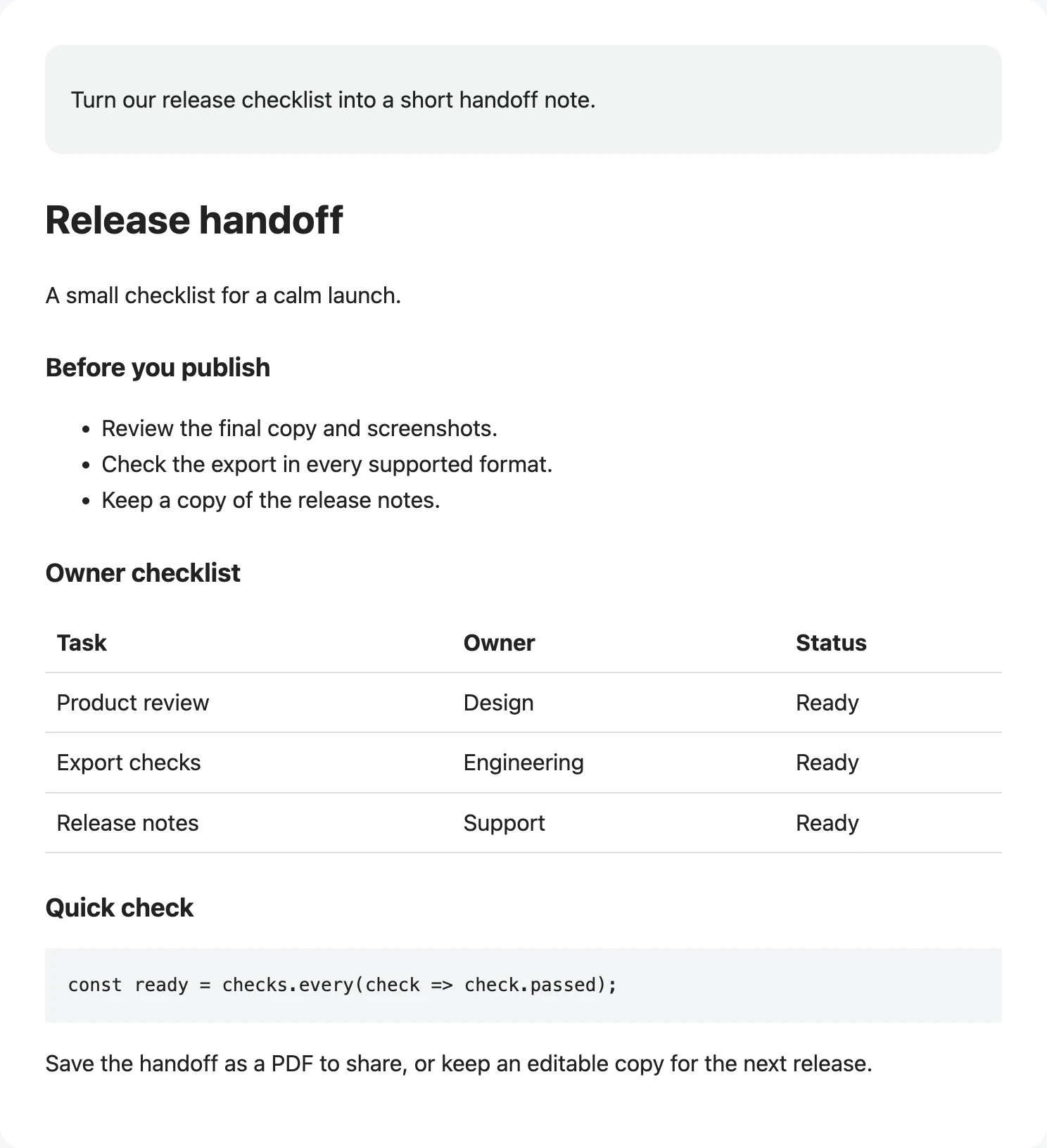
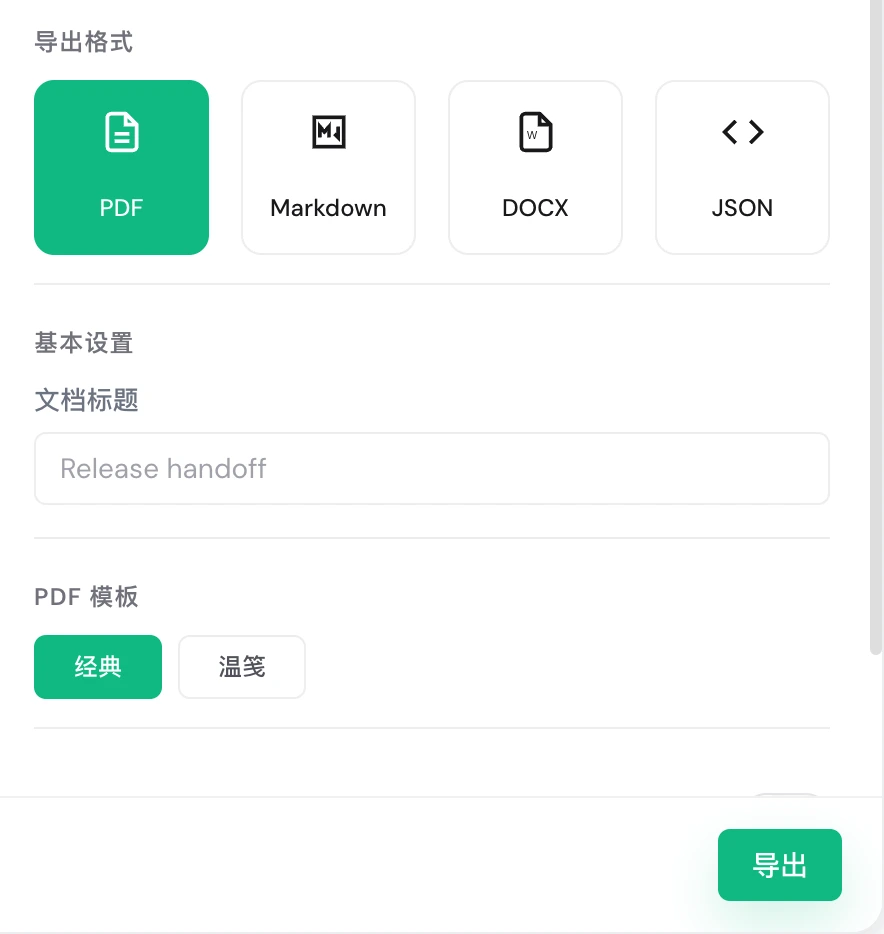
從一個好回答,到一份好檔案。
點選步驟查看實際介面,每一步都可以停下來細看。
先免費用,需要更多時再升級。
- 結帳時需填寫信用卡與帳單資訊,即使首月為 $0。
- 依所在國家/地區,結帳時可能加收稅費。
- 付款由 Creem 處理。
- 付款遇到問題?請來信至 billing@chatshellexport.com
你可能還想了解。
所有對話資料僅保存在你的本地瀏覽器中。我們無法存取、查看或儲存你的任何對話內容。
支援所有基於 Chromium 核心的瀏覽器,例如 Chrome、Edge、Brave、Arc 等。
單對話匯出支援 PDF、Markdown、DOCX、JSON;批量匯出支援 HTML、Markdown、DOCX、JSON。
擴充功能僅使用 storage 權限保存設定與授權資訊。匯出只會在 chatgpt.com 執行,並會連線到授權服務完成啟用與校驗。
ChatShell 已從瀏覽器列印流程切換為自研本地 PDF 引擎,直接在你的瀏覽器中產生 PDF。為了顯示中文、數學符號與其他文字腳本,擴充功能可能會從允許的 CDN 載入字型檔。
目前提供「經典」與「溫箋」兩種範本。「經典」更貼近 ChatGPT 原始對話結構,資訊密度較高,適合備份、複核與保留完整脈絡;「溫箋」排版更柔和、留白更寬鬆,適合長篇閱讀與對外分享。