Notes and knowledge bases
Markdown opens in Obsidian, Notion imports, Logseq, and any text editor, so it fits a personal knowledge base.
ChatGPT to Markdown
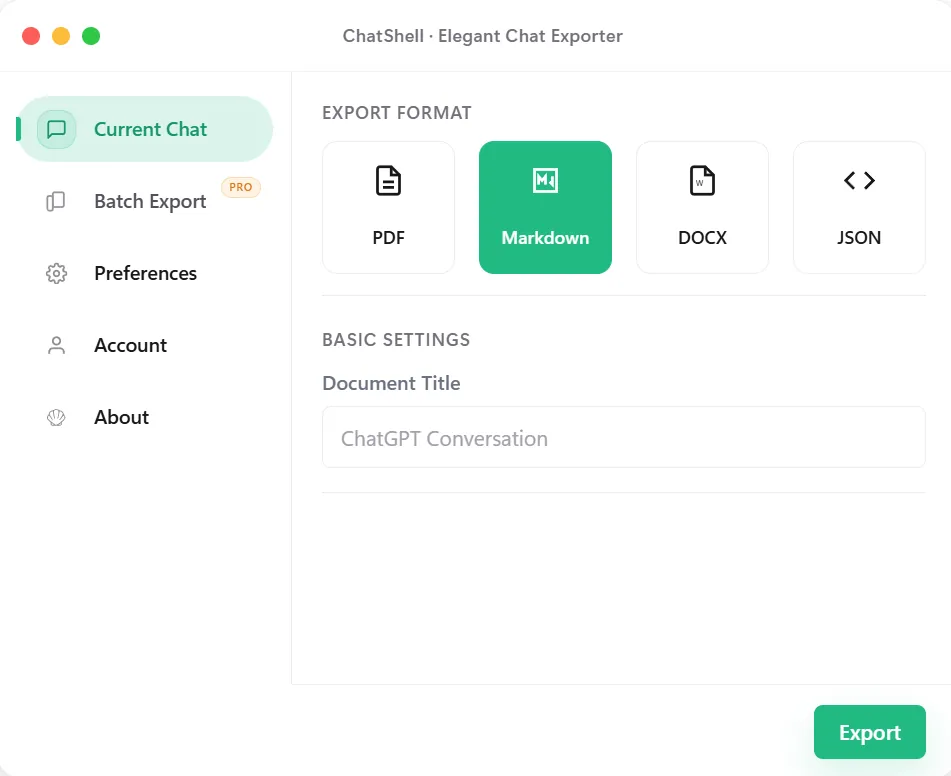
Save conversations as Markdown files for your notes, documentation, or Git repository.
Use Cases
Markdown opens in Obsidian, Notion imports, Logseq, and any text editor, so it fits a personal knowledge base.
Plain text diffs well, which makes Markdown a good fit for docs-as-code and version-controlled notes.
Copying a section into a README, wiki, or blog draft is easy because there is no layout to fight.
For people without a Markdown editor, send a PDF or DOCX instead.
Step by Step
Output
Each message starts with a bold speaker label, followed by the message text, and messages are separated by a horizontal rule. This is a shortened example:
**🔵User**

How do I reverse a list in Python?

---

**🟢ChatGPT**

Use slicing or the reverse method:

```python
items = [1, 2, 3]
print(items[::-1])
```

---
Timestamps and separator removal are paid options in Preferences. The file name is based on the conversation title.
Troubleshooting
Math rendering depends on your editor. Use an app with support for the exported LaTeX syntax, such as Obsidian, and check whether the delimiters are recognized.
Turn on the Markdown image option before export and keep the downloaded assets with the .md file. Review any missing-image report; unavailable images may remain as links.
The speaker labels use emoji. Search and replace them in your editor if your style guide differs.
The file name comes from the conversation title. Rename the conversation in ChatGPT or the file after export.
Best Fit
Take AI conversations into internal docs, public documentation, or team playbooks with a format editors already support well.
Save prompts and answers in a repo or vault where they can be tagged, versioned, and cross-linked later.
Use Markdown exports as the first clean draft for blogs, release notes, newsletters, or technical writeups.
Feed structured text into later pipelines without starting from screenshots or manually copied fragments.
What Stays Intact
Headings, lists, and paragraphs stay easy to move into documentation and note systems.
Markdown works naturally in repos, static sites, docs tools, and knowledge bases without heavy reformatting.
Technical chats stay more useful when code can remain in fenced blocks rather than flattened into plain text.
The content is exported in the browser instead of being routed through a separate conversion service.
FAQ
Yes. Code is exported in fenced code blocks with the language marker, so it can be copied and highlighted correctly.
Math is kept as LaTeX source. Obsidian renders it, as do other editors with math support.
Yes. Enable the Markdown image option to download available images with the .md file. Keep their relative folder paths intact. Single-chat image export follows your single-chat allowance; batch export requires Pro.
Yes. The .md file is generated in your browser and conversation content is not sent to ChatShell servers.
Related Pages