Confirm the workspace and access
Sign in to the ChatGPT account that can open the conversations you need. ChatShell uses that account’s existing access; a Pro license does not grant administrator access or reveal other members’ private chats.
Team Workspace Export
Export conversations you can access in your ChatGPT team workspace. Requires Pro.
Sign in to the ChatGPT account that can open the conversations you need. ChatShell uses that account’s existing access; a Pro license does not grant administrator access or reveal other members’ private chats.
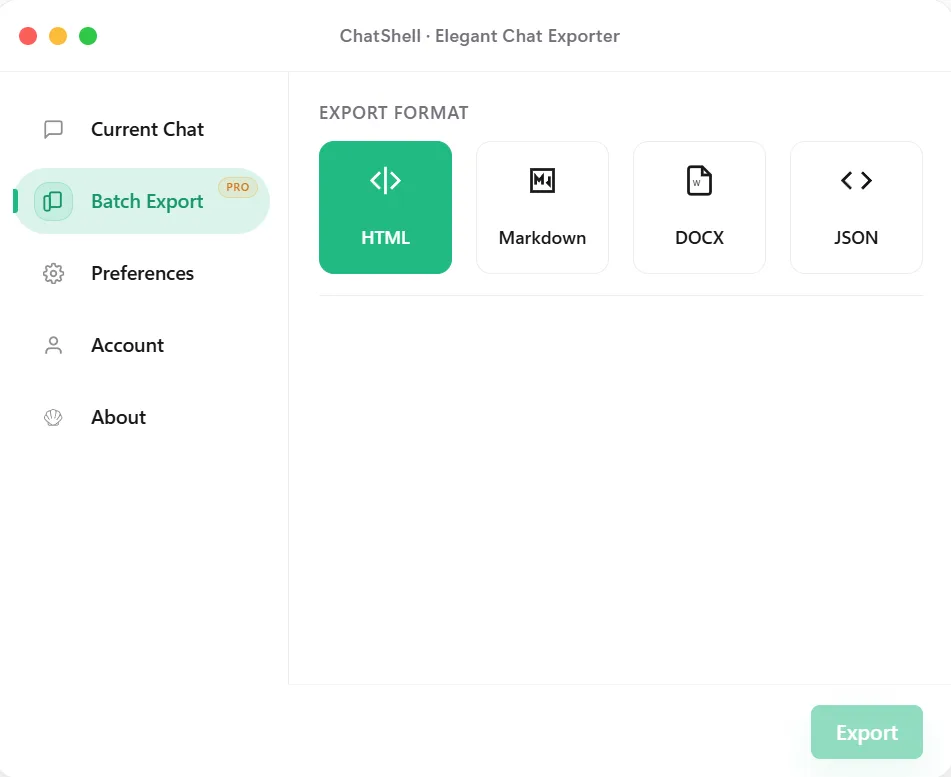
Open ChatShell → Batch Export, select the team workspace option and the available workspace. Choose all available conversations or select specific ones. Confirm the workspace and selected count before starting.
Choose HTML for browser reading, Markdown for notes, DOCX for Word editing, or JSON for scripts. Start Batch Export, choose where to save the ZIP, and leave the tab open until it completes. Batch PDF is not supported.
Extract the ZIP, open representative conversations, and review any failed-conversations.json or missing-images.json reports. Keep necessary original attachments separately and place the files in a folder with appropriate sharing permissions.
FAQ
No. The export is limited to conversations your signed-in account can access. Workspace membership alone does not make every member’s conversations available.
Confirm that you are signed in to the correct ChatGPT account and can open the workspace there. Refresh ChatGPT and reopen ChatShell. If the workspace is still missing, contact support with your browser, extension version and the exact message.
Yes. ChatShell generates the archive in your browser. It fetches accessible conversations from ChatGPT; license checks are separate and do not contain the conversation text.
See batch export for file formats and recovery steps, or activation and billing to activate Pro.