Automation and scripts
Read the file with Python, Node.js, or jq to search, filter, or transform conversations.
ChatGPT to JSON
Export conversation data as JSON for backups, scripts, and analysis.
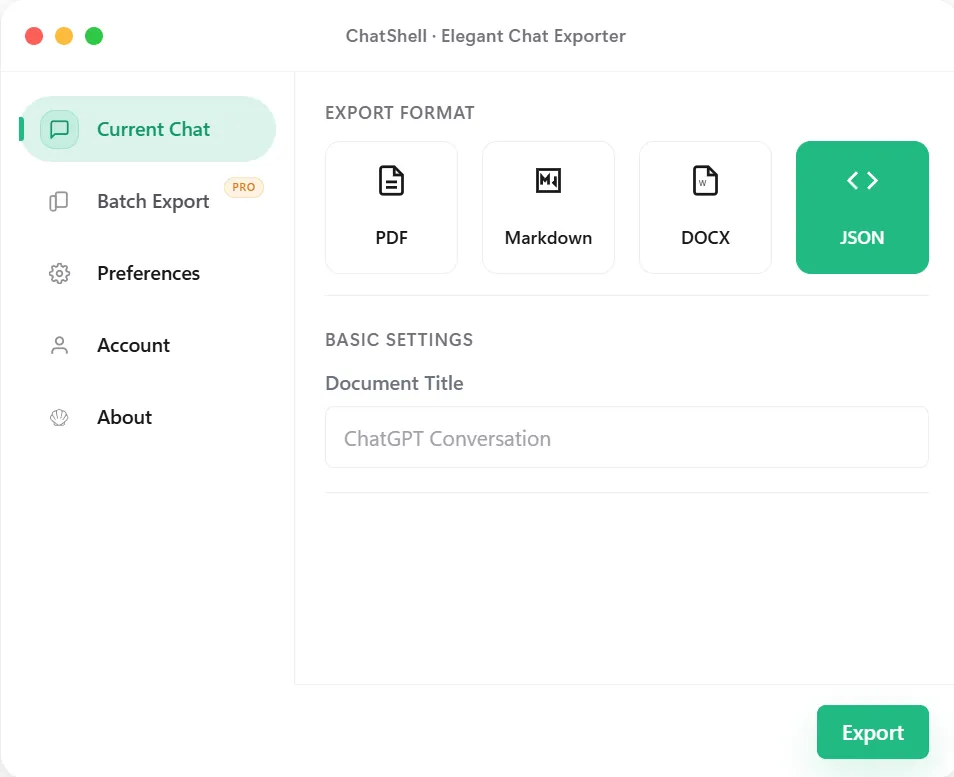
Use Cases
Read the file with Python, Node.js, or jq to search, filter, or transform conversations.
JSON preserves structured conversation data for your own scripts. It does not guarantee that ChatGPT or another service can restore the conversation from the file.
Move conversations into databases, search indexes, or other tools without scraping text.
For something a person can read quickly, export PDF, DOCX, or Markdown.
Step by Step
Output
The export contains the conversation's own data structure. The top-level fields are the title, conversation id, export time, source URL, and the mapping of message nodes plus current_node. This is a shortened example:
{
  "title": "Reverse a list in Python",
  "id": "...",
  "exportedAt": "2026-10-02T09:30:00.000Z",
  "url": "https://chatgpt.com/c/...",
  "mapping": {
    "node-id": {
      "id": "node-id",
      "parent": "parent-node-id",
      "children": ["child-node-id"],
      "message": { "author": { "role": "user" }, "content": { "parts": ["..."] } }
    }
  },
  "current_node": "last-node-id"
}
Each node links to its parent. To read the conversation in order, start at current_node and follow the parent links back to the first message, then reverse the list. Attachment details are added when the conversation has files.
Troubleshooting
The mapping is a tree. Walk from current_node up through parent links and reverse the result.
JSON can include message nodes and metadata returned by ChatGPT. Compress it or extract only the text fields you need.
Open it in a JSON validator first. The file is plain UTF-8 JSON, so editors that guess another encoding can break it.
Fields depend on what ChatGPT returns for that conversation, so handle null values in your code.
Best Fit
Use JSON when the next step is another system, script, or workflow that needs structured input rather than a final document.
Preserve message fields and relationships for search and transformation. Restoring a chat requires a separate compatible import tool; this file does not provide one.
Move ChatGPT content into downstream tools for analysis, ETL, or custom dashboards without re-parsing raw text.
Keep exports in a format that can be validated, transformed, and versioned alongside the rest of a technical workflow.
What Stays Intact
JSON is aimed at preserving fields and machine-readable content rather than only the visible presentation.
It becomes far easier to transform, index, validate, or move the export into later pipelines.
JSON exports are a stronger base for migration or analysis work than screenshots or plain copied text.
The structured export is generated in the browser rather than being pushed to another hosted conversion tool.
FAQ
The conversation title, id, export time, source URL, the message mapping, and the current node. Attachment details are added when files exist.
Start at current_node, follow each node's parent link back to the root, and reverse the list.
ChatShell does not provide a restore-to-ChatGPT feature. Use the JSON for your own archives and scripts; do not assume another service can import its structure unchanged.
Yes. The file is created in your browser, and conversation content is not sent to ChatShell servers.
Related Pages